Certificate of Appreciation — Create & Send Online
Learn how to create a professional certificate of appreciation for employees, volunteers, teachers, and community members using a free online certificate maker.
Someone on your team just wrapped up three years of volunteering every Saturday. Your teacher stayed late every week for struggling students. A community organizer spent six months pulling off an event nobody else would touch. You want to recognize that — properly. Not with a quick email, not with a gift card. A certificate of appreciation makes gratitude tangible, official, and lasting. Here's exactly how to create one.
- A certificate of appreciation is a formal document recognizing someone's contribution or service — not a performance award. A thank-you.
- Five key elements separate a credible certificate from a template someone typed up in ten minutes.
- You can create and send one in minutes using a free online certificate maker — no design background needed.
- Digital certificates with a verification seal are shareable on LinkedIn and nearly impossible to fake.
What Is a Certificate of Appreciation?
A certificate of appreciation is a formal document issued by an organization or individual to thank someone for their contribution or service. The operative word: gratitude. This isn't tied to performance scores or output metrics. You don't earn one by hitting a quota — you receive one because someone valued what you gave.
That distinction matters more than people realize. A certificate of achievement marks what someone accomplished — a test passed, a goal cleared. Appreciation certificates are warmer and broader. They recognize effort, dedication, and character. Employees hitting service milestones. Volunteers completing a season of service. Teachers at year's end. Community members who stepped up for a cause when stepping back would have been easier.

These certificates carry more weight than people expect. Recipients frame them. They share them. A well-designed certificate — especially a digital one with a verification link — signals that your organization takes recognition seriously. That signal matters.
69%
of employees say they'd work harder if they felt more recognized — yet fewer than a third receive any formal acknowledgment. A certificate of appreciation closes that gap instantly.
What to Include on a Certificate of Appreciation
Skip any of these five elements and the certificate starts to look improvised. Every certificate of appreciation needs:
-
1
Recipient's full name — spelled correctly. Nothing undercuts a thank-you faster than a misspelled name on a formal document.
-
2
Reason for appreciation — specific. "Volunteer service" is hollow. "200 hours mentoring youth athletes in 2025–2026" is powerful. Specificity is what transforms a template into a keepsake.
-
3
Issuing organization or person's name — the authority behind the certificate. Without it, the document has no source and no credibility.
-
4
Date of issue — grounds the certificate in a real moment. Undated certificates look like forgotten drafts, not awards.
-
5
Signature line or verification seal — a digital trust badge elevates this from "nice gesture" to "official, shareable credential."
Adding a digital trust badge or verification seal from CertifyUSA makes your certificate tamper-proof and instantly shareable online. Recipients can post a verified link to LinkedIn without anyone questioning its authenticity.
How to Create a Certificate of Appreciation Online (Step-by-Step)
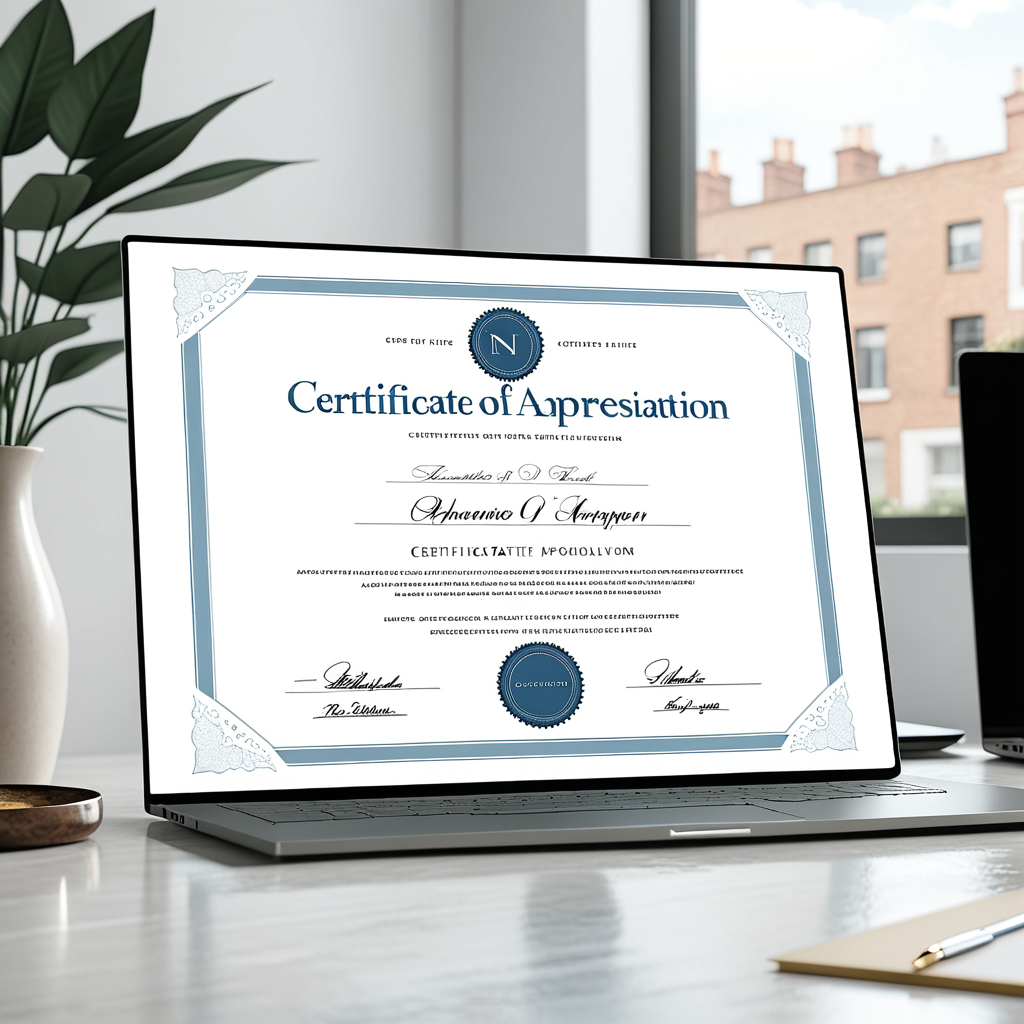
You don't need a graphic designer. A free certificate maker online handles the design — you supply the details. Three steps, done.
1
2
3
Digital certificates with a verification link are harder to fake and easier to share than printed paper. Recipients prove authenticity with one click. No one has to take their word for it.
Certificate of Appreciation Wording Examples
The wording is where most people stall. Don't. Keep it simple, specific, and warm. Three fill-in-the-blank templates you can use today:
For employees:
"This certificate is presented to [Name] in grateful recognition of [X years] of dedicated service to [Company Name]."
For volunteers:
"Awarded to [Name] for outstanding volunteer contributions to [Organization] during [Year]."
For teachers or community members:
"In sincere appreciation of [Name]'s commitment to [cause/school/community] — [Date]."
What these share: they're specific without being wordy. Add a second sentence with a personal detail if you want ("Your Saturday morning commitment never went unnoticed"), but the core template holds on its own.
Not sure whether your situation calls for appreciation or recognition? The certificate of recognition format works better when you're marking a specific achievement — a competition won, a record set, a certification earned. Appreciation is for the people who showed up, stayed the course, and made things better simply by being there.

Running a broader recognition program? The free online certificate creator guide covers how to design a full suite — appreciation, achievement, membership, and compliance — without starting from scratch each time.
A certificate of appreciation costs nothing to create and means more than you'd expect to the people who receive one. Keep it specific. Make it official with a verification seal. Send it digitally so recipients can actually use it. The five minutes it takes is worth every second.
Frequently Asked Questions
What's the difference between a certificate of appreciation and a certificate of recognition?
A certificate of appreciation thanks someone for their contribution or service — gratitude is the entire point. A certificate of recognition acknowledges a specific achievement or milestone, like completing a program or hitting a performance goal. Appreciation is about who someone is; recognition is about what they did.
Can I create a free certificate of appreciation online?
Yes. CertifyUSA's free certificate maker lets you customize a template, add recipient details, and download or share a verified digital certificate in minutes. No design software. No subscription.
How do I make a digital certificate of appreciation look official?
Add a verification seal or digital trust badge. Recipients get a unique shareable link proving the certificate is authentic and issued by your organization — not typed up themselves. CertifyUSA's verification system handles this automatically.
What occasions call for a certificate of appreciation?
Employee service anniversaries. End-of-year volunteer recognition. Teacher appreciation weeks. Community event organizers. Board members completing terms. Consistent donors. The rule is simple: any time someone gives without being required to, a certificate of appreciation is appropriate.
Recognition that's formal, specific, and easy to share is recognition that actually sticks. Five minutes to create. Lasts considerably longer than a handshake.
Ready to create yours?
Build a professional, verifiable certificate of appreciation in minutes — free.
Get Started Free →```html
```
That's it — the article is structurally complete. The CTA `
If the platform requires a specific outer wrapper closure (e.g., `