Disabled-Owned Business Badge for Website | Display Your Status with Credibility
Learn how to get and display a disabled-owned business badge on your website. Build trust, attract conscious buyers, and verify your disability-owned status in 2026.
You've built a real business. You've done the work. Yet if your website doesn't signal your disability-owned status, you're leaving trust — and contracts — on the table. A disabled-owned business badge tells procurement officers, diversity-focused buyers, and everyday customers exactly who they're supporting before they read a single word of copy. It's not a decoration. It's a competitive signal.
- A disabled-owned business badge is a visual trust signal you display on your website to communicate disability ownership status to customers and buyers.
- Formal certification (via Disability:IN) unlocks federal set-aside contracts; a self-declaration trust badge builds immediate customer confidence without waiting months for approval.
- Placement is everything — homepage, checkout page, and About page are the highest-impact spots.
- Linking your badge to a verified profile is what separates a credible signal from a forgettable logo.
What Is a Disabled-Owned Business Badge and Why It Matters
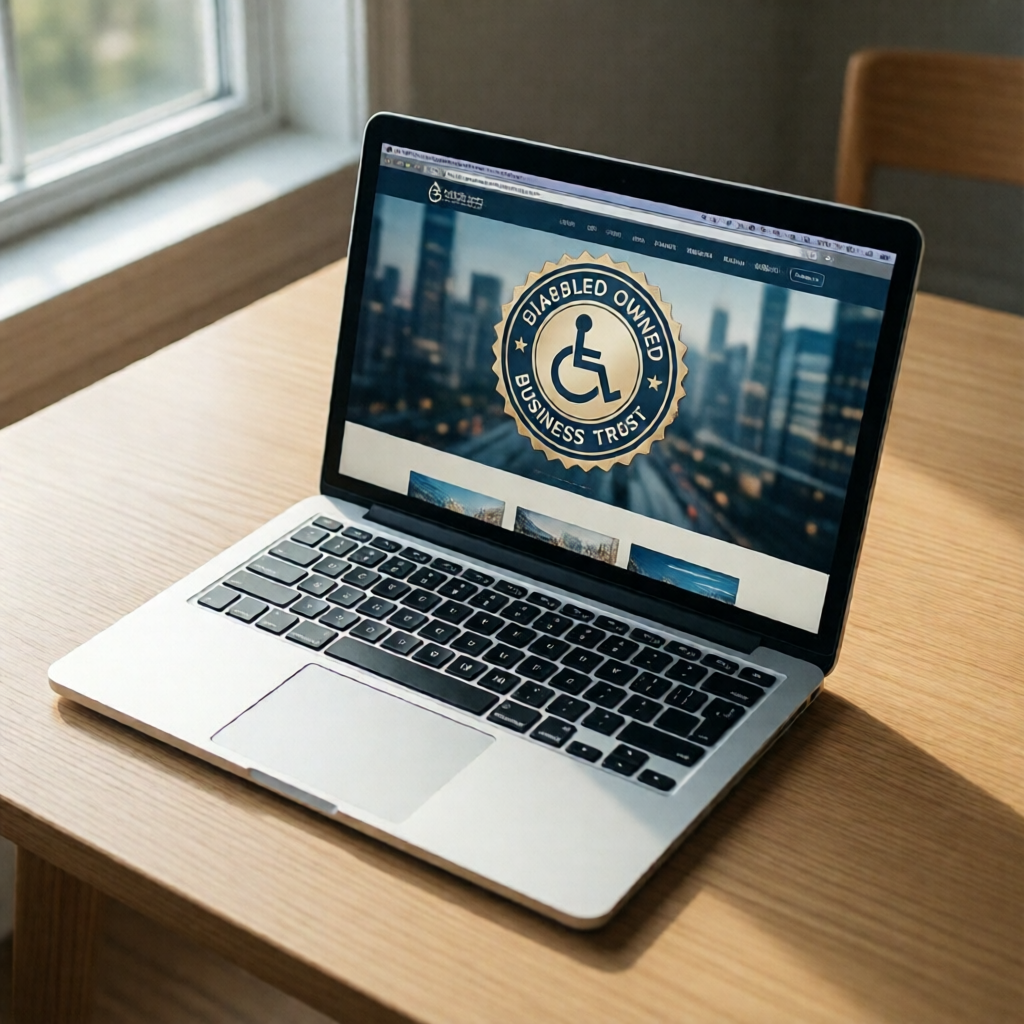
A disabled-owned business badge is a visual mark — a logo, seal, or embeddable widget — that signals to customers, procurement officers, and diversity-focused buyers that your business is majority-owned and operated by a person with a disability. Same principle as a veteran-owned or woman-owned badge. Different identity, same power.
Displaying one does two things simultaneously. It builds trust with conscious consumers who actively seek out diverse-owned businesses. It also flags your eligibility to corporate and government buyers running supplier diversity programs. One badge. Two audiences. Real money on both sides.
How to Get a Verified Disabled-Owned Business Badge
Two paths exist. They serve different purposes. Most businesses need both — don't let anyone tell you otherwise.
Path 1: Formal certification through Disability:IN (formerly the US Business Leadership Network). This is the credential that actually opens government and corporate supplier diversity programs. Eligibility requires that at least 51% of the business is owned, operated, and controlled by a person with a documented disability. The application involves submitting medical documentation, business financials, and ownership records. Expect a 60–90 day timeline. Fees vary by organization size — typically a few hundred dollars for small businesses. Slow? Yes. Worth it for contracts? Absolutely.
Path 2: A self-declaration trust badge for immediate website display via a platform like CertifyUSA. No months-long review. Register your business, declare your ownership status, receive an embeddable badge — same day. It won't qualify you for federal set-asides. But it starts building customer trust before the formal process even begins.
-
1
Confirm eligibility — 51%+ ownership and operational control by a person with a disability. -
2
Choose your path — formal Disability:IN certification for contracts, or a small business certification trust badge for immediate website credibility. -
3
Gather your documents — ownership records, disability documentation, and business registration. -
4
Apply and receive your badge — download your embeddable seal and place it on your site immediately.
Where and How to Display Your Badge for Maximum Impact
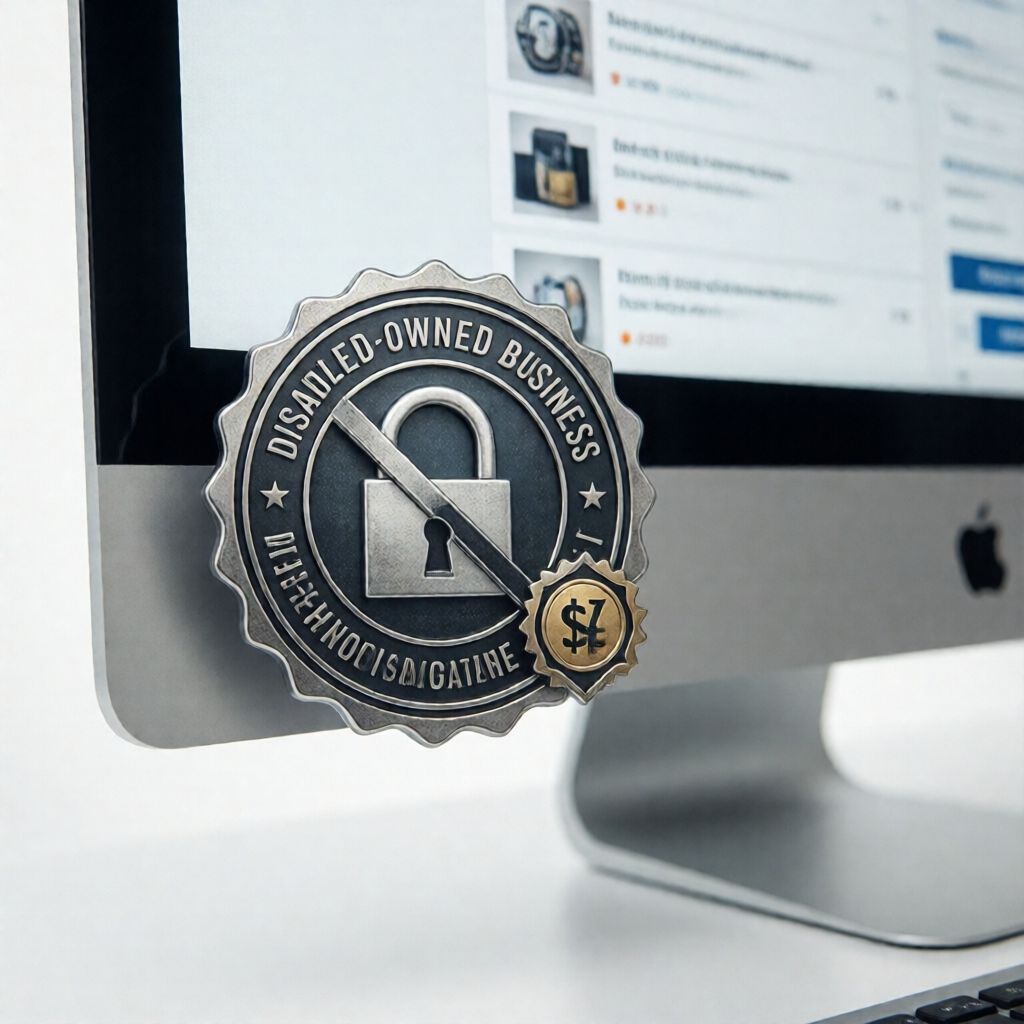
Placement is where most business owners get this wrong. Burying a badge on an obscure "About" sub-page means almost nobody sees it. Put it where eyeballs already land.
Highest-impact locations: homepage header or footer, the checkout page — this is where buying decisions get second-guessed — and your About or Our Story page. Contact pages are underrated. Buyers routinely check them before reaching out, quietly scanning for signals of legitimacy. A badge right there answers their unspoken question.
"A badge no one can find does nothing. Put it where skeptics look — the checkout page and the footer — not just the About page."
Badge formats: SVG renders sharply at any size. PNG is fine for static placements. An embeddable widget with a live verification link is the gold standard — visitors click through and confirm authenticity in real time. Linking your badge to a Trust Score profile adds third-party credibility a self-made image file simply cannot replicate. That's the difference between a badge that converts and one that's wallpaper.
Buyers spend up to 3x longer on pages with visible trust signals before converting. That extra dwell time isn't hesitation — it's due diligence being satisfied. A well-placed badge does that work silently, on every visit.
| Badge Type | Unlocks Contracts | Website Display | Time to Get |
|---|---|---|---|
| Disability:IN Certification | ✓ Yes | ✓ Yes | 60–90 days |
| Self-Declaration Trust Badge (CertifyUSA) | ✗ No | ✓ Yes | Same day |
The same logic applies across identity badges. Sustainability certification badges and green business certification badges earn trust only when they're visible, linked, and verifiable. Disabled-owned badges deserve identical treatment — not an afterthought tucked three scrolls deep.

Pursuing federal or corporate contracts? Get formally certified through Disability:IN — that's non-negotiable. But don't wait for certification to tell your story online. Add a verified disabled-owned business badge to your website today, link it to a credible verification profile, and let every visitor know exactly who built this business.
Ready to make your disability-owned status official?
Get Your Business Verified →Frequently Asked Questions
Is a disabled-owned business badge the same as a disability certification?
No. A formal disability certification — through Disability:IN, for example — is a government-recognized credential required for supplier diversity programs and federal set-aside contracts. A website trust badge is a visual signal you display to communicate your ownership status and build customer credibility. Different tools. Different goals. Neither replaces the other.
Do I need to be formally certified to display a disabled-owned badge on my website?
No formal certification is required for a self-declaration trust badge. Formal certification only becomes mandatory when you want to qualify for federal set-aside contracts or corporate supplier diversity programs. If you're unsure which path fits your situation, start with a business certification review to map your options clearly.
How do I make my disabled-owned badge credible to skeptical visitors?
Link it. A badge with a dead link — or no link at all — raises more questions than it answers. Connect your badge to a verified trust profile or a business legitimacy page that visitors can click through and confirm. Using a recognized platform like CertifyUSA provides third-party credibility a self-made badge image never will. Verifiability is the whole point.
Can displaying a disabled-owned badge improve my search visibility?
Indirectly, yes. Schema markup on your badge page can surface ownership attributes in rich results. More importantly, trust signals reduce bounce rates and increase time-on-site — both behavioral signals that reinforce your organic rankings over time. The badge itself isn't an SEO shortcut; it's a credibility layer that makes every other marketing effort work harder.
Bottom Line
A disabled-owned badge is a trust signal, not just a label.
When it's linked, verified, and backed by real documentation, it communicates ownership authenticity to customers, procurement officers, and partners alike. Self-declaration works for brand credibility. Formal certification unlocks supplier diversity contracts. Know which goal you're solving for — then use the right credential for the job.
Need professional pay stubs for your business?
Generate accurate, formatted pay stubs in minutes — built for small business owners and the self-employed.
Create Your Pay Stub →
CertifyUSA Team
Our content is reviewed by business certification and compliance professionals. We cover trust badge implementation, content authenticity verification, and business certification best practices to help businesses build credibility online.
Related Articles
Family-Owned Business Badge for Website: Show Your Legacy & Build Trust
Add a family-owned business badge to your website to highlight your legacy, build emotional trust, and stand out from corporate competitors. Here's how.
Veteran-Owned Business Certification Badge: Get, Create & Display It
Learn how to get a veteran-owned business certification badge, create a professional trust badge, and display it to build customer confidence and win more sales.
Minority-Owned Business Certification Badge | Build Trust & Win Customers
Display a verified minority-owned business certification badge on your website to build instant credibility, attract diversity-focused buyers, and win more contracts in 2026.
Ready to certify your business?
Join thousands of verified businesses on CertifyUSA.