Trust Badges for Ecommerce — Boost Conversions & Reduce Cart Abandonment
Learn which trust badges to add to your ecommerce store to increase checkout conversions, reduce cart abandonment, and build shopper confidence in 2026.
Seven out of ten shoppers abandon their cart. Not because your price is wrong. Because doubt wins. Trust badges for ecommerce are the fastest antidote — they answer a buyer's security questions at the exact moment hesitation strikes, before the tab closes and the sale is gone.
The right badge, in the right place, at the right moment can lift conversions 10–30%. No developer required.
- Trust badges kill payment anxiety at checkout — the moment a shopper is most likely to bail.
- Four badge types matter in 2026: security/SSL, business identity, human content/AI-free, and authenticity seals.
- Placement is half the battle — badges near your CTA button outperform footer badges by 2x.
- Setup takes under 10 minutes on Shopify, WooCommerce, and BigCommerce — no custom code.
Why Trust Badges Directly Impact Ecommerce Conversions
Cart abandonment sits at roughly 70% industry-wide — Baymard Institute has tracked this figure consistently for years. Payment security anxiety is one of the top cited reasons shoppers leave without buying. The problem is never just price. It's doubt: a quiet, split-second question the shopper doesn't consciously form but immediately feels.
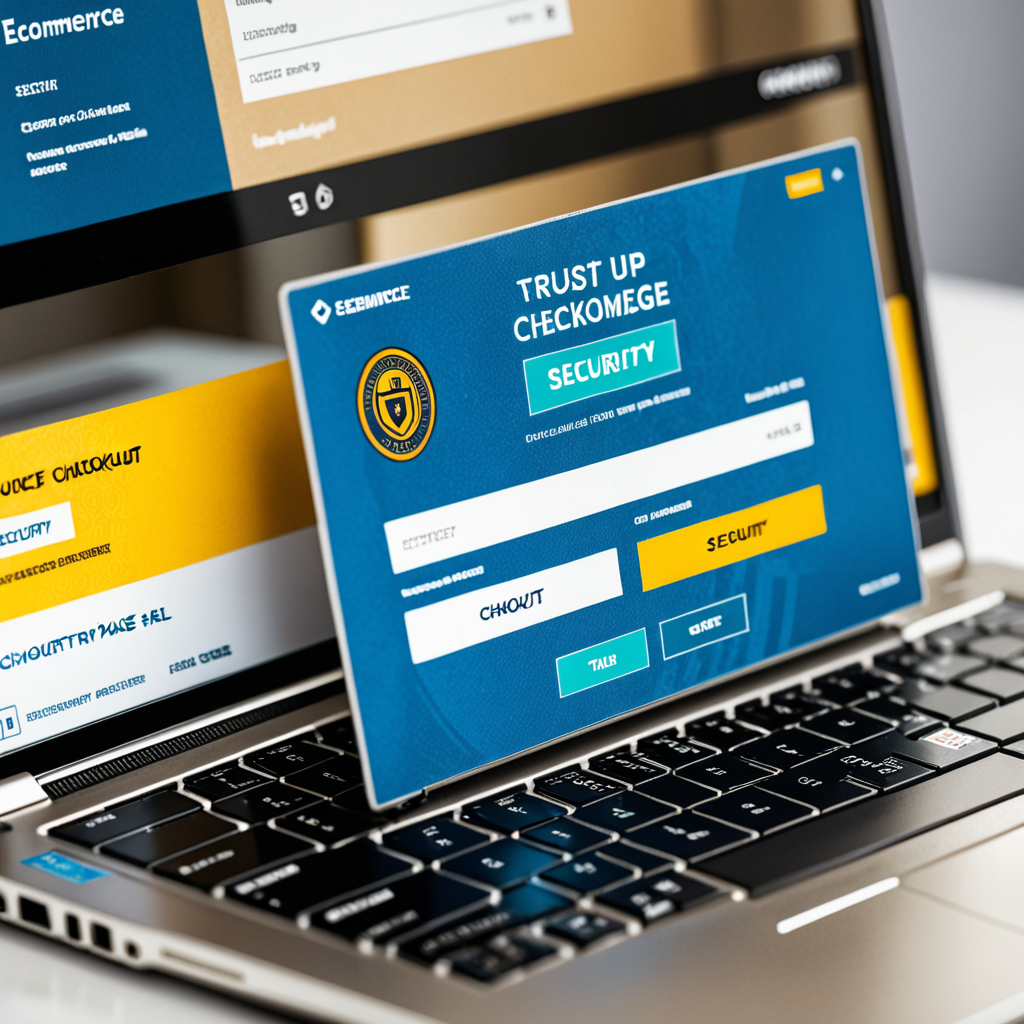
Trust badges answer four fears every buyer carries into a purchase decision: Is this site secure? Is this business real? Are these reviews genuine? Was this product description written by a human who has actually used it? Miss one, and you leave a conversion gap open that no discount will fill.
The 4 Types of Trust Badges Every Ecommerce Store Needs
Not all badges pull equal weight. Here's exactly what each type does — and why it belongs on your store.
| Badge Type | What It Signals | Best Placement |
|---|---|---|
| Security / SSL | Payment data is encrypted and PCI compliant | Checkout page, near payment fields |
| Business Identity | This is a real, verified business | Homepage header/footer, About page |
| Human Content / AI-Free | Product descriptions and reviews are human-written | Product pages, blog, review sections |
| Authenticity Seals | Product is genuine; artist or maker verified | Product pages, artwork listings |
1. Security / SSL badges. The non-negotiables. HTTPS and PCI compliance are the baseline every store taking payments must clear. A PCI compliance badge for your website makes your data-handling practices visible — not just assumed by shoppers who have no reason to assume the best.
2. Business identity badges. Small business, veteran-owned, women-owned, minority-owned. These humanize the transaction. A small business certification badge builds the trust a BBB logo once commanded — without the gatekeeping fees. Stores exploring alternatives will find a strong BBB accreditation badge alternative worth considering.
3. Human content and AI-free badges. The 2026 differentiator. Shoppers are increasingly skeptical about whether product descriptions and reviews were written by a person or generated by a model. A human content certification badge or an AI-free website badge signals that your copy and product knowledge are the real thing. That signal is now a competitive advantage, not a nice-to-have.
4. Authenticity seals. Critical for art, collectibles, handmade goods, and limited editions. A certificate of authenticity for art linked from a product page turns a purchase into something provable — and resaleable.
In 2026, AI-free content badges are among the fastest-growing trust signals in ecommerce. Shoppers want proof that product descriptions and reviews were written by a human who has touched the product — not generated by a model optimizing for keyword density.
Where to Place Trust Badges for Maximum Conversion Impact
Placement is where most stores leave money on the table. A badge buried in the footer is decoration. Three placements actually move the needle.
Checkout page, near payment fields. The highest-stakes real estate on your site. Shoppers are about to hand over card details — a security badge at that exact moment directly addresses the fear in the room. It must be within visual range of the "Place Order" button, not below the fold where no one scrolls.
Product pages, below the Add to Cart button. The second decision point. Shoppers evaluating a product need reassurance before they reach checkout at all. A human content badge here signals that the description they just read was written by someone who knows the product — not assembled from a prompt.
Homepage header or footer. Establishes baseline credibility on first visit. Business identity badges — small business, veteran-owned, women-owned — work especially well here. They set the tone before the shopper has browsed a single product.
Badges placed within 50px of the CTA button consistently outperform footer badges by 2x. Proximity to the action is everything — the badge must be visible at the precise moment of hesitation, not after the shopper has scrolled past it.
"The checkout page is where trust is tested — and where a missing badge costs you the sale."
How to Add Trust Badges to Your Online Store in Minutes
This takes under 10 minutes. No developer. No custom code. Shopify, WooCommerce, BigCommerce — all handle it the same way.

-
1
Choose your badge type. Decide which trust gap you're closing first. Security badges have the broadest checkout impact. Human content badges are the fastest-rising differentiator on product pages. Pick one. Start there. -
2
Generate your badge via CertifyUSA. Select your badge type, match it to your brand, and the system creates a badge linked to a live verification page. Skeptical shoppers can click it and confirm your credentials — there's no faking that. -
3
Copy the embed code — not the image. Embed code links to a live verification page that proves your credentials are real. A static image file proves nothing and can be screenshotted by anyone. Always use embed code. -
4
Paste near your checkout CTA or product page. Drop it into your Shopify theme's checkout section, a WooCommerce custom HTML widget, or BigCommerce's equivalent. For a full platform-by-platform walkthrough, see how to add a trust badge to your website.
One trust badge on your checkout page is among the highest-ROI changes an ecommerce store can make in under 10 minutes. You already did the hard work of getting the shopper to checkout. Don't lose them to a fixable trust gap.
Frequently Asked Questions
Do trust badges really reduce cart abandonment?
Yes. Security and verification badges at checkout reduce abandonment by answering the payment safety question at the exact moment it arises. Even a single PCI compliance or business identity badge lifts conversion rates — the effect shows up consistently across ecommerce research.
What is the most important trust badge for an ecommerce store in 2026?
Security badges (SSL/PCI compliance) remain the baseline — every store needs them. But human content and AI-free badges are the fast-rising differentiator. Shoppers increasingly want proof that product descriptions and reviews are human-written, and stores displaying that signal stand out from the competition.
Can I use CertifyUSA badges on Shopify or WooCommerce?
Yes. CertifyUSA generates embeddable badge code that works on any ecommerce platform — Shopify, WooCommerce, BigCommerce, and custom-built stores. Setup takes under five minutes, no developer required.
Should I use a badge image or embed code?
Always embed code. It links to a live verification page shoppers can click to confirm your credentials. A static image is trivially easy to copy and proves nothing to a skeptical buyer.
Ready to Add Trust Badges to Your Store?
Generate a verification-backed trust badge in minutes — works on Shopify, WooCommerce, BigCommerce, and any custom store.
Get Your Free Trust Badge →The Bottom Line
Trust badges in 2026 are not decoration — they are conversion infrastructure. Security badges set the floor. Human content and AI-free badges are the new differentiator as shoppers grow skeptical of AI-generated copy and reviews. Verification-backed badges (the kind that link to a live credential page) outperform static images every time because skeptical buyers can actually check.
Start with SSL and PCI compliance, add a money-back guarantee badge at checkout, then layer in a human-content or AI-free badge if your product copy is genuinely human-written. Each addition addresses a specific objection — stack them strategically and your conversion rate will reflect it.
Need a Pay Stub for Your Business?
Generate professional, IRS-compliant pay stubs instantly — no accounting software required. Trusted by freelancers, contractors, and small business owners across the US.
Create Your Pay Stub Free →CertifyUSA Team
Our content is reviewed by business certification and compliance professionals. We cover trust badge implementation, content authenticity verification, and business certification best practices to help businesses build credibility online.
Related Articles
Website Legitimacy Checker — How to Verify If a Website Is Real (2026)
Use a website legitimacy checker to spot scam sites fast. Learn what trust badges, SSL seals, and business certifications actually signal — and how CertifyUSA helps prove your site is real.
Certificate Template for Small Business | Create Professional Certificates
Need a certificate template for your small business? Learn how to create professional certificates that build trust, cover key use cases, and choose between downloadable vs hosted badge approaches.
Certificate of Compliance: What It Is & How to Create One
Learn what a certificate of compliance is, who needs one, and how to create and display a digital compliance certificate that builds trust with partners, clients, and government buyers.
Ready to certify your business?
Join thousands of verified businesses on CertifyUSA.