B-Corp Certification Badge for Website: Display Your Verified Status (2026)
Learn exactly how to display your B-Corp certification badge on your website — placement, file formats, usage rules, and what it signals to customers.
Your company just earned B-Corp certification. That B-Corp certification badge for your website is now one of your most credible trust signals — and one with real legal strings attached. Get the placement right and it converts skeptics. Get it wrong and B Lab sends a takedown notice. Here's exactly what to do.
- Download the official badge from the B Lab portal — only after certification is active.
- Link the badge to bcorporation.net or your public B Corp profile; never alter colors or proportions.
- B-Corp is one of several credibility badges — it covers social/environmental performance, not general business legitimacy.
- Displaying it without active certification triggers legal notice from B Lab — the risk isn't theoretical.
- Recertify every 3 years or your display rights lapse automatically.
What the B-Corp Badge Actually Signals (and Why Placement Matters)
B-Corp certification is issued by B Lab, a nonprofit that audits companies against verified social and environmental performance standards. This isn't a self-assessment. Reviewers score your governance, workers, community, environment, and customers — and the threshold is high enough that most applicants don't pass on the first attempt.
The badge communicates all of that in a single glance. Visitors who recognize it know you've been through a genuine third-party review — not a checkbox exercise. That matters most in markets where sustainability credentials influence purchase decisions.
Three reasons to display it prominently:
- Consumer trust: B2B buyers and direct consumers increasingly vet credentials before converting — especially when sustainability is a purchase driver.
- Competitive differentiation: Active B-Corp status is genuinely rare. It's a real differentiator, not marketing copy.
- Regulatory alignment: As ESG disclosure requirements tighten, audited third-party certification is a defensible record — not just a marketing asset.
How to Display Your B-Corp Badge Correctly on Your Website
B Lab's brand guidelines are specific. Non-compliance can cost you display rights. Follow these steps.
-
1
Download the official badge from the B Lab portal. Log in to your B Lab account at bcorporation.net after your certification is confirmed active. The portal provides approved logo files. Don't pull the badge from a Google Image search or another certified company's site — those files may be outdated, wrong resolution, or subtly modified. -
2
Use SVG for web; PNG as fallback. SVG scales perfectly at any size — critical for retina displays. If your CMS blocks SVG uploads, use the high-resolution PNG. Minimum display width: 60px. Go smaller and it becomes unreadable on mobile, defeating the entire point. -
3
Place it where trust decisions happen. The footer is standard — site-wide exposure without dominating any single page. High-value alternatives: the About page, homepage hero or trust section, and product pages for e-commerce where purchase hesitation peaks. -
4
Link the badge to your public B Corp profile. B Lab requires the badge link to bcorporation.net or your company's specific public profile URL. This lets visitors independently verify your certified status. A badge linking nowhere — or back to your own homepage — violates the guidelines. -
5
Never alter the badge. No recoloring. No stretching. No drop shadows, outlines, or busy backgrounds that compromise legibility. Display it exactly as B Lab provides it — full stop.
"The badge is a contract, not just a graphic. B Lab grants usage rights on the condition you follow their guidelines — and they actively monitor who's displaying it."
B-Corp vs. Other Business Certification Badges: What to Display
B-Corp is one of several credibility signals worth displaying — and they serve distinct audiences. Consider Marcus, a packaging company owner in Austin, who earned B-Corp certification but hadn't realized his green business certification badge spoke to a different buyer segment entirely. Both belonged on his site. Neither replaced the other.
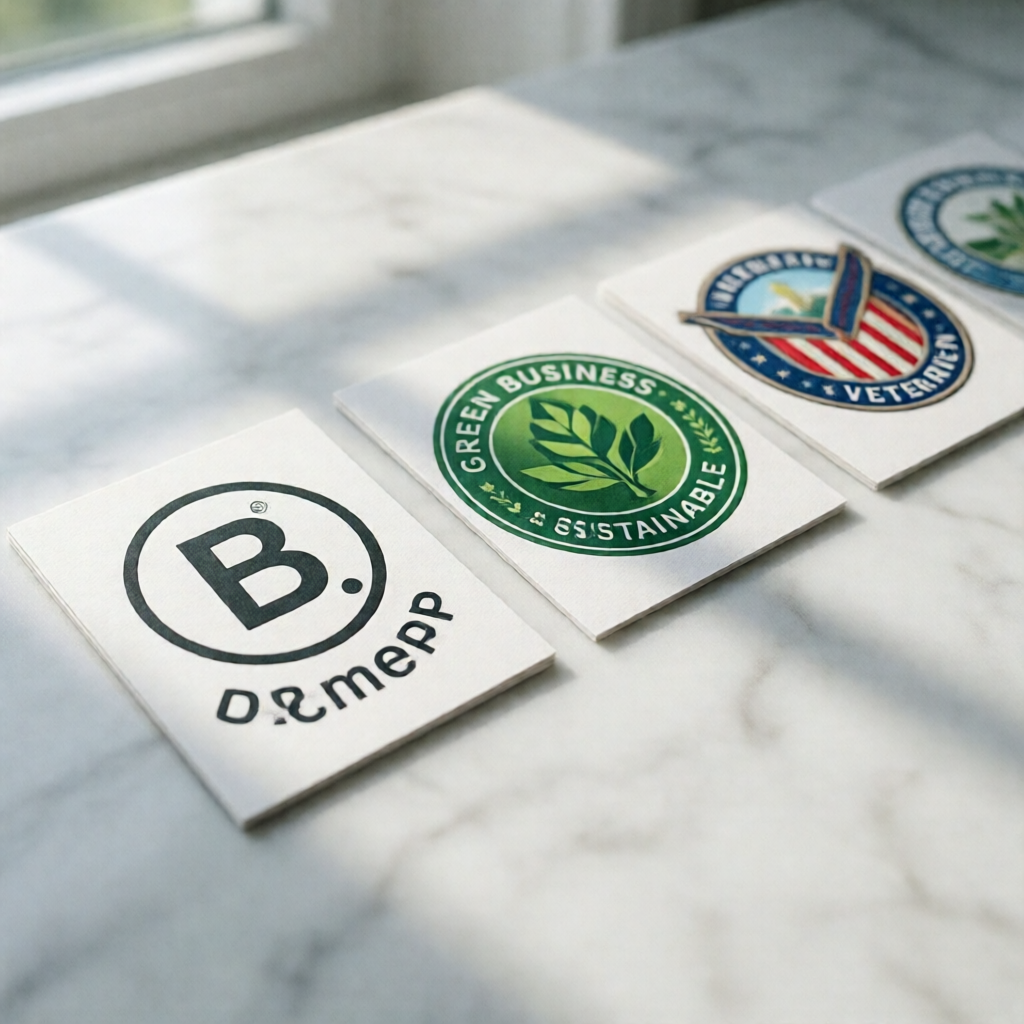
| Badge Type | Who It's For | Verification Body | Display Requirement |
|---|---|---|---|
| B-Corp | For-profit businesses meeting social/environmental standards | B Lab | Must link to bcorporation.net; renew every 3 years |
| Green Business | Businesses with verified eco-friendly practices | Various (EPA, state programs) | Program-specific; often requires annual renewal |
| Sustainable Business | Businesses with sustainability frameworks | ISEAL-accredited bodies | Issuer-specific logo guidelines apply |
| Nonprofit / Identity-Based | Veteran-owned, women-owned, minority-owned, etc. | SBA, NMSDC, WBENC, etc. | Certification-active display only; no alterations |
B-Corp recertification is required every three years — and your badge display rights expire automatically if you don't complete the process. B Lab will notify you, but removal is your responsibility.
What Happens If You Display the B-Corp Badge Without Active Certification
B Lab actively monitors badge usage — automated scanning and community reporting, both. Get flagged and the sequence moves fast: legal notice, mandatory removal demand, potential public disclosure of the misuse.

The FTC adds a second layer of exposure. Under its guidelines on misleading endorsements, falsely implying third-party verification qualifies as deceptive advertising — a liability entirely separate from B Lab's enforcement action. Practically speaking, the reputational damage inside the purpose-driven business community tends to hit harder than the legal bill.
Not yet certified but want verified credibility signals now? Business verification and a trust score from CertifyUSA give visitors independently verifiable proof of your legitimacy — a different but complementary signal that works while your B-Corp application is still in progress.
Download the badge only from B Lab's portal after certification is live. Display it in SVG, minimum 60px wide, linked to your public B Corp profile. Never alter the badge's colors or proportions. Recertify every three years — or pull it from your site. If your certification isn't active yet, use verified business trust badges as an interim credibility signal. Don't touch the B-Corp mark until you've earned the right to it.
Frequently Asked Questions
Can I display the B-Corp badge on my website before certification is finalized?
No. B Lab grants logo usage rights only after your certification is officially issued. Displaying the badge during the application process violates B Lab's brand guidelines and can jeopardize your certification entirely.
Does the B-Corp badge need to link to anything on my website?
Yes. Per B Lab's usage guidelines, the badge must link to bcorporation.net or your company's public B Corp profile page so visitors can verify your certified status independently. A non-linked badge technically violates the usage terms.
What's the difference between a B-Corp badge and a business trust badge?
B-Corp certifies your company's social and environmental performance — it's about how you operate. A business trust badge (like those from CertifyUSA) verifies business legitimacy, identity, and credibility. They answer different visitor questions. When you hold both, display both.
Can I use the B-Corp badge in email signatures and marketing materials?
Yes. B Lab's guidelines extend to email signatures, print, and digital ads — same rules apply: no alterations, only while certification is active, attribution linking where the format allows.
Your B-Corp badge is one of the most credible signals you can place on a website. Display it correctly and it does real work for your brand. Display it wrong — or without active certification — and it becomes a liability.
Not yet B-Corp certified — or want additional verified credibility signals? CertifyUSA's business verification badge and trust score give visitors independently verifiable proof your business is legitimate.
A B-Corp badge earns visitor trust only when it's displayed correctly and kept current. Use the official B Lab asset files, link to your public profile, follow co-branding rules when pairing with partner logos, and remove the badge the moment certification lapses. Done right, it's one of the strongest credibility signals available to a small business — a third-party stamp that no amount of self-promotion can replicate.
CertifyUSA Team
Our content is reviewed by business certification and compliance professionals. We cover trust badge implementation, content authenticity verification, and business certification best practices to help businesses build credibility online.
Related Articles
Native American Owned Business Badge for Website
Add a Native American owned business badge to your website. Display your tribal or indigenous identity with a verified trust badge that builds customer confidence.
is this website legit - Guide
Learn about is this website legit. Complete guide with tips and examples.
PCI Compliance Badge for Website: What It Is & How to Get One (2026)
Learn what a PCI compliance badge means for your website, how to get PCI DSS certified, and how to display your payment security badge to build buyer trust.
Ready to certify your business?
Join thousands of verified businesses on CertifyUSA.