Certificate of Achievement Maker – Create & Share Online (Free)
Use a certificate of achievement maker to design, customize, and share professional certificates online in minutes. No design skills needed.
Your employee just finished a six-week leadership program. Your student placed first in the regional finals. Your contractor wrapped a certification course. Now you need a certificate — professional, on-brand, and not a three-hour Photoshop ordeal. That's exactly what a certificate of achievement maker is built for: fast, polished, no design skills required.
- A certificate of achievement maker lets you design, personalize, and share professional certificates online in minutes — no design software required.
- Five features matter most: editable templates, branding upload, PDF/link export, bulk issue, and verification seal support.
- Four steps take you from blank canvas to shareable certificate in under ten minutes.
- A verification seal is what separates a decorative document from a credential anyone can trust.
What a Certificate of Achievement Maker Actually Does
A certificate of achievement maker is an online tool that lets educators, HR teams, businesses, and event organizers design and issue polished achievement certificates — without touching design software. Pick a template. Fill in the recipient's name, add your logo, export a print-ready PDF or a shareable link. Done.

The use cases span every industry. Employee recognition programs. Training completion records. Academic awards. Competition placements. Volunteer milestones. Anywhere you need to formally mark an accomplishment, a certificate maker handles the execution. What it won't do alone is make that certificate verifiable — and that distinction matters far more than most people realize.
5 Features That Separate Good Certificate Makers from Great Ones
Not all makers are equal. Here's what to prioritize before you commit:
- Editable templates — Fields you can actually customize: recipient name, achievement title, award date, issuer signature. Generic templates locked by design waste everyone's time.
- Logo and brand upload — The certificate should read as yours, not a template site's. Full color-palette control is a bonus worth having.
- Instant PDF or PNG export — plus a shareable link — Recipients want to post on LinkedIn. A download-only format kills that option entirely.
- Verification seal or QR code embed — This is where most free tools fall short. A scannable badge linking to a live verification page turns a pretty document into a real credential. See how business verification works at CertifyUSA.
- Bulk issue capability — Certifying 40 employees after a training cohort? You need batch generation, not 40 manual exports.
Create an Achievement Certificate in 4 Steps
Marcus is an L&D coordinator at a mid-sized logistics firm — a composite of clients we see every week. He needed 60 certificates issued after a compliance training. Same day. Here's the process that works:
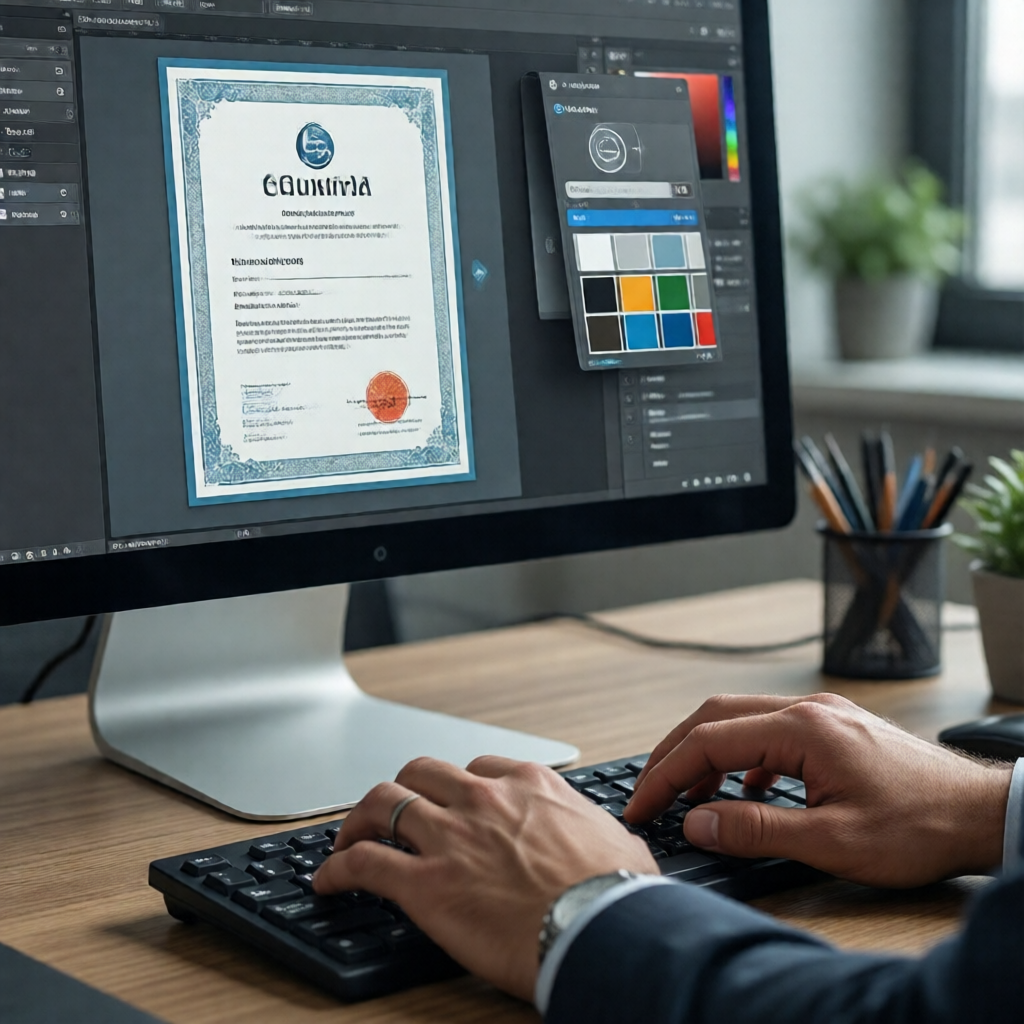
Formal, modern, or minimalist. Formal fits compliance and academic awards. Modern lands better for employee recognition and sales contests.
Full name, achievement title (e.g., "Completion of Advanced Safety Training"), award date, and the issuing authority's signature. Precision here is non-negotiable.
Drop in your company or institution logo. Apply your palette. The certificate should be immediately recognizable as yours — not a tool's default.
Export as PDF for print or generate a shareable link. For professional use, embed a CertifyUSA trust badge — so the credential can be independently confirmed by anyone who needs to check it.
Add a Verification Seal — Or It's Just Decoration
A certificate anyone can replicate in five minutes is a certificate nobody fully trusts. The certificate of achievement maker gives you the visual. CertifyUSA adds the credential layer.
"A certificate anyone can fake is a certificate no one trusts. The seal is what makes yours count."
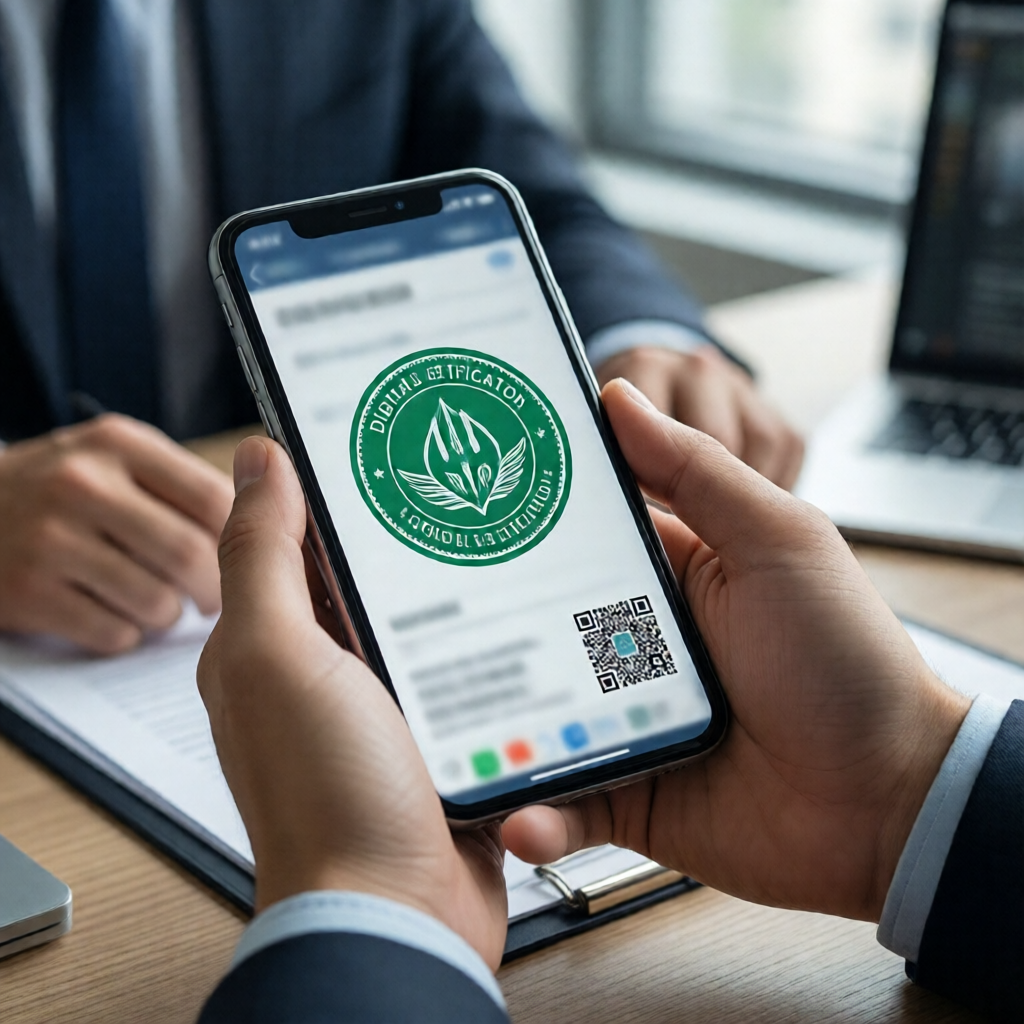
A CertifyUSA verification seal is a scannable trust badge embedded directly in your certificate. Scan or click it, and you land on a live verification page confirming the credential is real, issued by a named organization, and hasn't been altered. That's the gap between a document and a verifiable record. It's not a small gap.
This distinction matters most in hiring, compliance reporting, and professional development — anywhere someone has to prove they actually earned what the certificate claims. If you issue certificates of appreciation for employees regularly, the same logic applies: a seal turns recognition into something recipients will proudly attach to a resume.
Related tools worth pairing with this workflow: the certificate of appreciation maker and the certificate of excellence guide. Both cover adjacent use cases. Ready to know what verification costs? See pricing.
A certificate of achievement maker produces the visual document. CertifyUSA's verification seal turns it into a credential that holds up to scrutiny — in job applications, compliance audits, and anywhere recipients need proof that's actually provable.
Digital credentials with a verifiable issuer consistently drive more profile engagement on LinkedIn than static image certificates — because viewers can confirm they're real with one tap.
Frequently Asked Questions
Is there a free certificate of achievement maker online?
Yes — several tools offer free templates you can customize and download. For professional use, pair any free maker with a verifiable digital seal from CertifyUSA. The free template handles the design; the seal is what lets recipients prove their achievement is legitimate to employers or clients.
Can I add a logo and custom signature to my achievement certificate?
Most modern certificate makers support logo uploads and digital signature fields. The critical addition most tools skip is a verification QR code or embedded trust badge. That's the gap between a branded certificate and a verifiable one.
What's the difference between a certificate of achievement and a certificate of appreciation?
A certificate of achievement marks a specific accomplishment — completing a course, winning a competition, hitting a sales target. A certificate of appreciation recognizes contribution or service. Both can be designed and verified through CertifyUSA, and both benefit from the same verification seal when professional credibility is on the line.
The certificate is the starting point. Make sure it's one that holds up when someone actually needs to verify it.
Ready to issue certificates that mean something?
Design your certificate and add a CertifyUSA verification seal in minutes.
See Pricing & Get Started →CertifyUSA Team
Our content is reviewed by business certification and compliance professionals. We cover trust badge implementation, content authenticity verification, and business certification best practices to help businesses build credibility online.
Related Articles
Sustainable Business Certification Badge: Signal Your Green Commitment
Learn how to get and display a sustainable business certification badge on your website to build trust with eco-conscious customers in 2026.
Disability-Owned Business Badge: Get Your DEI Trust Signal
Display a verified disability-owned business badge on your website. Show customers you're certified, build DEI credibility, and stand out from competitors.
Credential Verification Checklist for Employers (2026)
A practical credential verification checklist for employers — covering education, licenses, employment history, and identity checks before every hire.
Ready to certify your business?
Join thousands of verified businesses on CertifyUSA.