ISO 27001 Badge for Website: Show Security Compliance (2026)
Learn how to display an ISO 27001 certification badge on your website to prove data security compliance and build visitor trust in 2026.
Your enterprise prospect just landed on your pricing page. One click from requesting a demo — then they scroll, see no security credentials, and leave. Not a hypothetical. It happens every day to SaaS companies that earned ISO 27001 certification and never made it visible. Using your ISO 27001 badge for website placement correctly turns a bounced visit into a signed contract. Here's exactly how.
- An ISO 27001 badge is a third-party-audited security credential — only use the official logo from your certifying body, never an unofficial generator.
- Place it in high-trust zones — footer, pricing page, checkout — and always link it to a verifiable public registry.
- ISO 27001 fits B2B/SaaS; if you're not yet certified, a verified business trust badge builds credibility immediately at a fraction of the cost.
- Certificates run three years — update your badge and verification link after every recertification cycle.
What Is an ISO 27001 Badge and Why Put It on Your Website?
ISO 27001 is the international standard for Information Security Management Systems (ISMS), issued by the International Organization for Standardization. An accredited, independent auditor — think BSI, Bureau Veritas, or DNV — has confirmed your company maintains the documented policies, controls, and processes to protect sensitive data. Customer records, payment details, employee files. All of it.
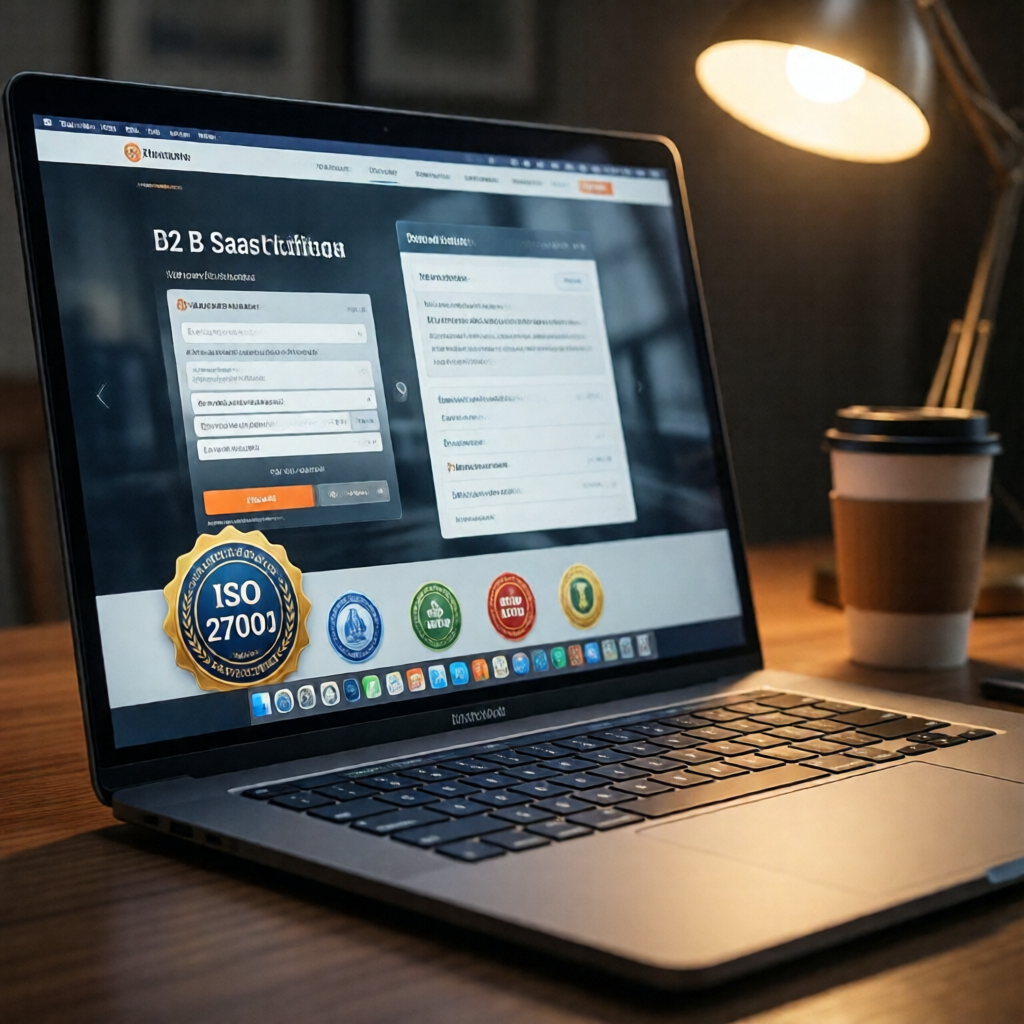
The badge is the visual proof of that audit. Unlike a "we take security seriously" statement — which every company pastes on their About page — ISO 27001 certification requires a formal third-party assessment. That distinction matters enormously to enterprise procurement teams. It's what they're scanning for when they vet a new vendor.
Displaying it in the right places tells prospects, partners, and regulators: our data handling has been tested and verified by someone outside our own walls. For B2B companies, that signal frequently closes deals faster than any sales pitch.
How to Properly Display Your ISO 27001 Badge on Your Website
Most companies get this wrong. They bury the badge on an obscure "About" page, or they slap up a generic image with no verification link. Neither builds trust. Neither impresses a procurement manager. Here's what actually works.

alt="ISO 27001 certified — information security management". It matters for screen readers and helps search engines understand the context.Link badge to certifying body's public registry with certificate number and expiry clearly visible.
Static badge image with no link, no certificate number, no way for a visitor to verify the claim.
The same logic applies across all trust signals — the reason trust badges on checkout pages drive conversions is that they give buyers a quick, verifiable reason to feel safe. ISO 27001 is the enterprise-grade version of that signal.
"A badge with no verification link is decoration. The link is what turns a graphic into proof."
ISO 27001 Badge vs. Other Security Trust Badges: Which Do You Need?
Not every business needs ISO 27001. For startups, the cost and audit timeline are genuinely prohibitive. Here's how the main options compare — honestly.
| Badge / Certification | Best For | Third-Party Audit | Display on Website | US Market Recognition |
|---|---|---|---|---|
| ISO 27001 | B2B, SaaS, enterprise vendors | ✓ Yes | ✓ Yes | Strong (esp. enterprise + govt) |
| SOC 2 | US SaaS, cloud providers | ✓ Yes | ✓ Yes | Very strong (US-native standard) |
| HIPAA Seal | Healthcare, medical apps | Varies | ✓ Yes | Strong in healthcare sector only |
| CertifyUSA Trust Badge | SMBs, e-commerce, startups | ✓ Yes | ✓ Yes | Growing — fast and affordable |
Take a hypothetical SaaS company — call them DataBridge. They needed enterprise security credibility but couldn't budget $25K for ISO 27001 in year one. They started with a verified business trust badge on their pricing page and held that position while working through their ISO audit. A bridge strategy, not a shortcut. It works.
ISO 27001 certification covers your defined ISMS scope — meaning a startup can certify just its core product environment, leaving ancillary systems out of scope and keeping audit costs manageable.
If you're in healthcare, the HIPAA compliance badge for your website follows the same principle — make compliance visible. If sustainability signals matter to your brand, the B Corp certification badge path is worth exploring separately.
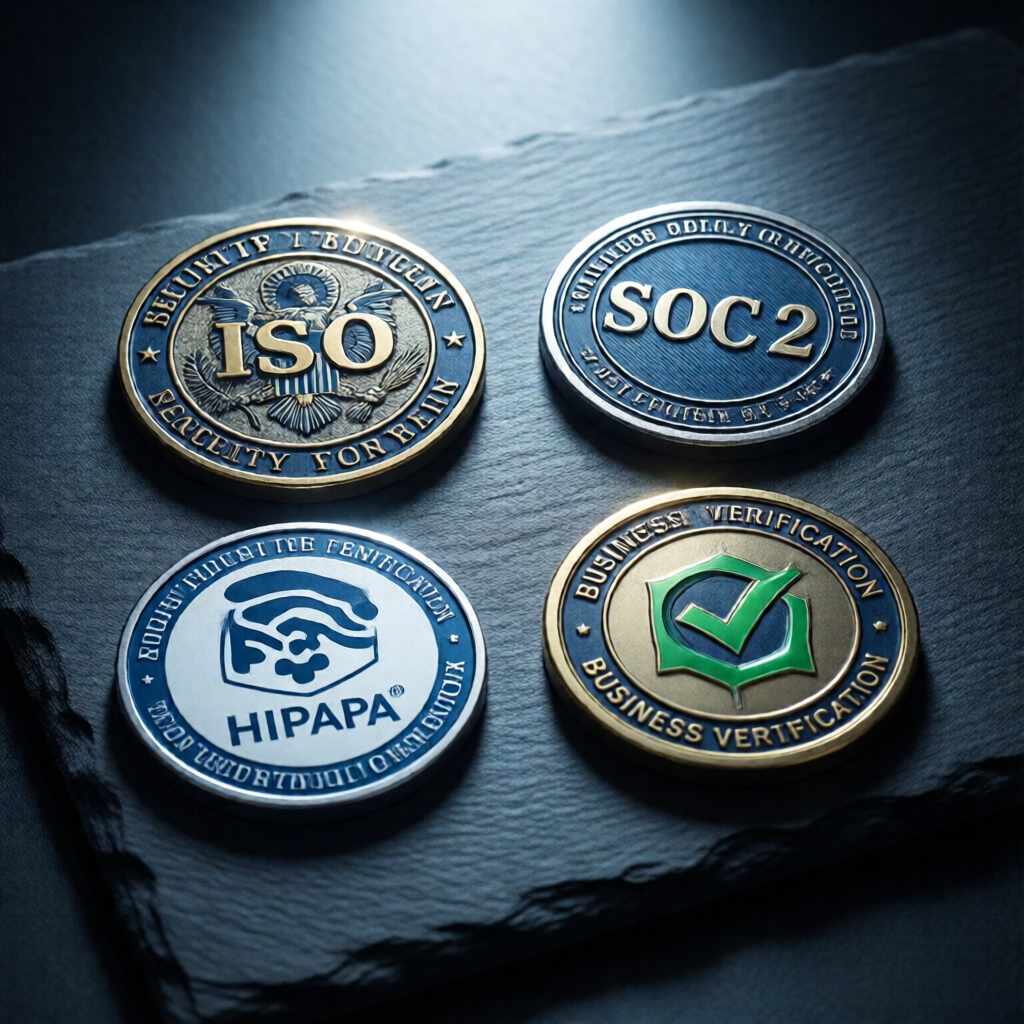
ISO 27001 out of budget right now? A verified business trust badge from CertifyUSA signals compliance commitment at a fraction of the cost — and it's live in days, not months.
Display your ISO 27001 badge in high-visibility, high-trust locations — and always link it to a verifiable source. A static image with no verification link means nothing to enterprise buyers who know what to look for. Not yet certified? That's not a reason to wait on credibility. Start with a verified trust badge, build your security narrative now, and add the ISO badge when certification lands.
Ready to show visitors your business is verified and trustworthy?
Get Your Verified Trust Badge →Frequently Asked Questions
Can I display an ISO 27001 badge on my website without full certification?
No. Using an ISO 27001 badge without a valid certificate from an accredited body is misleading and potentially illegal under FTC guidelines on deceptive advertising. Working toward certification? Display a verified business trust badge in the meantime — it's honest, verifiable, and builds real credibility while your audit is in progress.
Where should I place the ISO 27001 badge on my website?
The footer (site-wide visibility), pricing page, and checkout or sign-up flow are the highest-impact locations. Always link the badge to your certifying body's public registry or your own certificate verification page — a floating image with no link proves nothing to an enterprise buyer who knows what to look for.
How often does an ISO 27001 badge need to be updated?
ISO 27001 certificates are valid for three years, but annual surveillance audits are required to maintain validity. Update your badge graphic, certificate number, and verification link after each recertification. An expired-looking badge actively damages trust — it signals you stopped caring after the initial audit.
What's the difference between a verified business badge and an ISO 27001 badge?
A verified business badge confirms your company is a real, registered entity — it's available now, costs a fraction of a full audit, and is verifiable instantly by any visitor. An ISO 27001 badge certifies your information security management system meets an international standard — it requires a formal audit by an accredited body, typically takes 6–18 months, and costs $20,000–$100,000+. For most SMBs, a verified business badge delivers 80% of the trust signal at 5% of the cost.
Bottom Line
An ISO 27001 badge is a powerful enterprise trust signal — but only when it's real, current, and verifiable. Fake or expired badges expose you to legal risk and destroy credibility with the buyers who check. If you're not yet certified, don't leave your trust section blank. Display a verified business badge today to show prospects your company is legitimate, then add the ISO badge once your audit is complete. Trust is built in layers — start with the layer you can earn right now.
Build visitor confidence while your ISO audit is in progress.
Get a Verified Business Badge Today →CertifyUSA Team
Our content is reviewed by business certification and compliance professionals. We cover trust badge implementation, content authenticity verification, and business certification best practices to help businesses build credibility online.
Related Articles
PCI Compliance Badge Website: Build Trust & Boost Conversions
Learn what a PCI compliance badge on your website means, who needs one, and how displaying it at checkout can increase customer confidence and conversions.
HIPAA Compliance Badge for Website: Display Verified Status (2026)
Learn how healthcare and health tech businesses display a HIPAA compliance badge on their website, what it signals to patients, and how to get verified.
B-Corp Certification Badge for Website: Display Your Verified Status (2026)
Learn exactly how to display your B-Corp certification badge on your website — placement, file formats, usage rules, and what it signals to customers.
Ready to certify your business?
Join thousands of verified businesses on CertifyUSA.