HIPAA Compliance Badge for Website: Display Verified Status (2026)
Learn how healthcare and health tech businesses display a HIPAA compliance badge on their website, what it signals to patients, and how to get verified.
A telehealth startup drops a padlock icon in its footer and calls it "HIPAA compliant." A competing clinic displays a third-party verified seal that links to a live audit record. Patients notice. Enterprise procurement teams notice harder. That credibility gap is exactly what a HIPAA compliance badge for a website is designed to close — and getting it wrong is a liability, not just a missed opportunity.
- A HIPAA compliance badge tells patients and partners your site handles Protected Health Information (PHI) responsibly — but only a third-party verified badge carries real credibility.
- Covered entities and business associates both benefit, especially at data-collection touchpoints.
- Getting verified requires a completed risk assessment and a third-party auditor to issue documentation.
- A badge without a clickable verification link is just a liability dressed as an image.
What Is a HIPAA Compliance Badge for a Website?
A small visual seal — typically placed in the footer or beside a data-entry form — that signals an organization handles Protected Health Information in line with HIPAA Privacy and Security Rules. Think restaurant health grade posted in the window, not government certification. That distinction matters enormously.

HHS does not issue official HIPAA badges. No government seal exists to apply for. Every badge you display comes from one of three sources: a third-party compliance auditor, a recognized compliance platform, or yourself. That last option is a legal liability dressed up as a trust signal. Self-declared badges — custom PNGs dropped into footers — carry zero independent weight. Patients glance past them. Enterprise buyers flag them and move on.
A third-party verified badge answers the most important question before it's even asked: verified by whom? It links to a live audit record. That's the gap between decoration and credibility.
"HIPAA compliance isn't a destination — it's an ongoing posture. Your badge should reflect that with a live verification link, not a static image from three years ago."
Who Needs a HIPAA Compliance Badge and Where to Display It
Two categories have a real case for displaying one. Covered entities — hospitals, clinics, dental practices, telehealth and mental health platforms — handle PHI directly and face the heaviest patient scrutiny. Business associates — EHR vendors, health tech SaaS companies, medical billing services, and wellness apps that process PHI on behalf of covered entities — need badges to close B2B sales. Pitching a hospital system on your platform? Expect their legal team to ask for it before the second meeting.
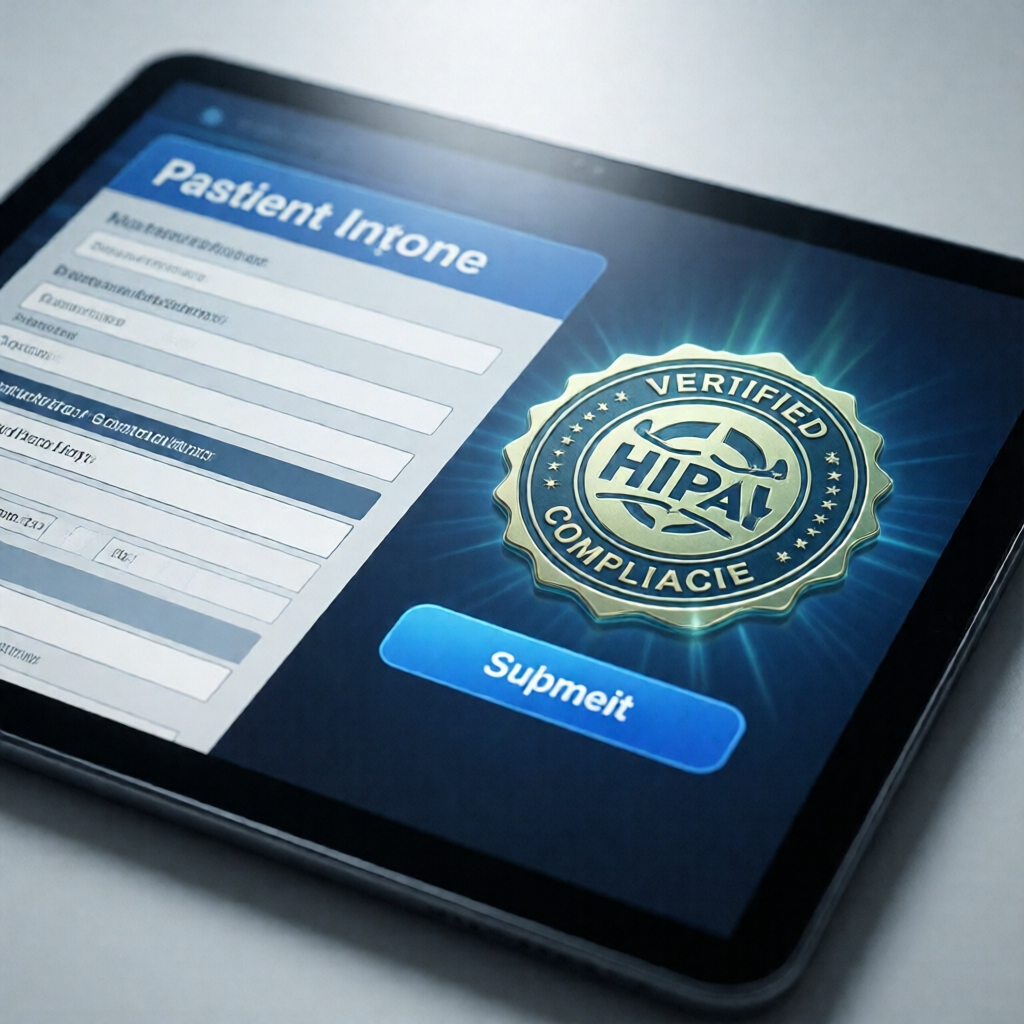
Placement is as important as the badge itself. Highest-impact spots: the site footer (site-wide visibility), patient intake and contact forms (right as someone types in symptoms or a Social Security number), and the patient portal login page. For health tech vendors, add it to your pricing and "Security" or "Trust" pages — that's where procurement teams land during due diligence. The logic mirrors trust badges on checkout pages: a badge converts best at the exact moment anxiety peaks.
Badge Practices: What Works vs. What Backfires
| Practice | What It Looks Like | Credibility Signal |
|---|---|---|
| ✓ Third-party verified | Links to a live verification page from the issuing auditor or platform | High — patients and buyers can confirm independently |
| ✓ Displays audit date | Badge or hover text shows last verified date, e.g. "Verified November 2026" | High — signals ongoing compliance, not a one-time checkbox |
| ✗ Self-made image | Custom PNG reading "HIPAA Compliant," no issuing body named | None — no way to verify the claim |
| ✗ Static badge, no link | Badge image with no clickable destination | Low — raises more questions than it answers |
How to Get a Verified HIPAA Compliance Badge: 4 Steps
The most common mistake: assuming your cloud provider's HIPAA compliance covers your organization. It doesn't. Their compliance covers infrastructure. Your application-layer data handling, access controls, and staff training are your responsibility. That's where the work — and the credibility — actually starts.
A badge without a clickable verification link is just an image. Link to a live record — that's what separates a credible compliance signal from a liability risk.

Bottom Line: Does a HIPAA Badge Actually Build Trust?
Yes — when it's verified and prominently placed. Patients scan for compliance signals before submitting health data online. Enterprise health system buyers put vendor compliance documentation on their procurement checklist as a non-negotiable. Your trust score rises with both audiences when a third-party verified badge appears at key touchpoints.
That said, a badge is not a legal shield. It signals a posture; your documentation proves it. Completed risk assessments, signed Business Associate Agreements, trained staff, documented policies — the badge is the front door. The compliance program is the foundation it rests on. Get the foundation right first.
A verified HIPAA compliance badge is one of the highest-ROI trust signals a healthcare website can display — it costs little and signals everything. Build the compliance program first. Then let the badge earn its keep.
Ready to display a verified compliance badge patients and buyers trust?
Get a professional embeddable HIPAA compliance badge with a hosted verification page — backed by real documentation.
Get Your Verified Badge →Frequently Asked Questions
Is there an official HIPAA compliance badge issued by the government?
No. HHS does not issue an official HIPAA badge or seal. Any badge you display must come from a recognized third-party auditor or compliance platform that has verified your practices against HIPAA Privacy and Security Rule requirements. Anyone claiming to offer a "government-issued" HIPAA seal is a red flag — walk away.
Can I put a HIPAA badge on my website without a formal audit?
Technically yes — but displaying a compliance badge without underlying documentation is both a legal and reputational risk. HHS and FTC enforcement actions have targeted misleading health data claims. A self-declared badge that can't be independently verified is exactly the kind of representation that invites scrutiny. Always back any badge with a completed risk assessment and third-party verification.
Where is the best place to display a HIPAA compliance badge on a website?
The site footer for site-wide visibility, patient intake and contact forms at the moment someone submits PHI, and the patient portal or login page. Health tech vendors should also add it to pricing and "Security" or "Trust" pages — that's where B2B procurement teams do their due diligence, following the same friction-reducing logic behind trust badges on checkout pages.
Do HIPAA compliance badges expire?
They should. HIPAA is not a one-time certification — it requires ongoing risk management, workforce training, and policy updates. Reputable compliance platforms issue badges tied to an annual or biennial review cycle. If a badge has no expiration date or renewal requirement, it likely reflects a point-in-time self-assessment rather than continuous compliance, which is a weaker signal to patients and partners.
Bottom Line
A HIPAA compliance badge is not a government seal — it is a trust signal backed by documentation. Display one only when you have a completed risk assessment, signed BAAs with all vendors, and third-party verification on file. Place it at every point patients submit PHI: forms, portals, and checkout. Prioritize badges that link to a hosted verification page so skeptical users can confirm your status without taking your word for it.
The difference between a badge that builds trust and one that creates liability comes down to what sits behind it.
Need Documentation to Back Your Badge?
CertifyUSA generates verified compliance reports, embeddable badges, and hosted verification pages your patients and partners can actually check.
Start Your Verification →CertifyUSA Team
Our content is reviewed by business certification and compliance professionals. We cover trust badge implementation, content authenticity verification, and business certification best practices to help businesses build credibility online.
Related Articles
Nonprofit Certification Badge for Website | Display 501(c)(3) Status
Learn how to get and display a nonprofit certification badge on your website to show your 501(c)(3) status, build donor trust, and boost credibility online.
Credential Verification vs Background Check for Hiring 2026
Should U.S. employers run credential verification or a background check first in 2026? Learn the key differences, legal risks, and the right order for hiring.
Certificate of Achievement Maker – Create & Share Online (Free)
Use a certificate of achievement maker to design, customize, and share professional certificates online in minutes. No design skills needed.
Ready to certify your business?
Join thousands of verified businesses on CertifyUSA.